Choosing the Right Model for Every Workflow Step: Accuracy Without Overspending
Using the most powerful model everywhere feels safe. It is not. Here is how to match model capability to task complexity, cut costs significantly, and often improve accuracy at the same time.
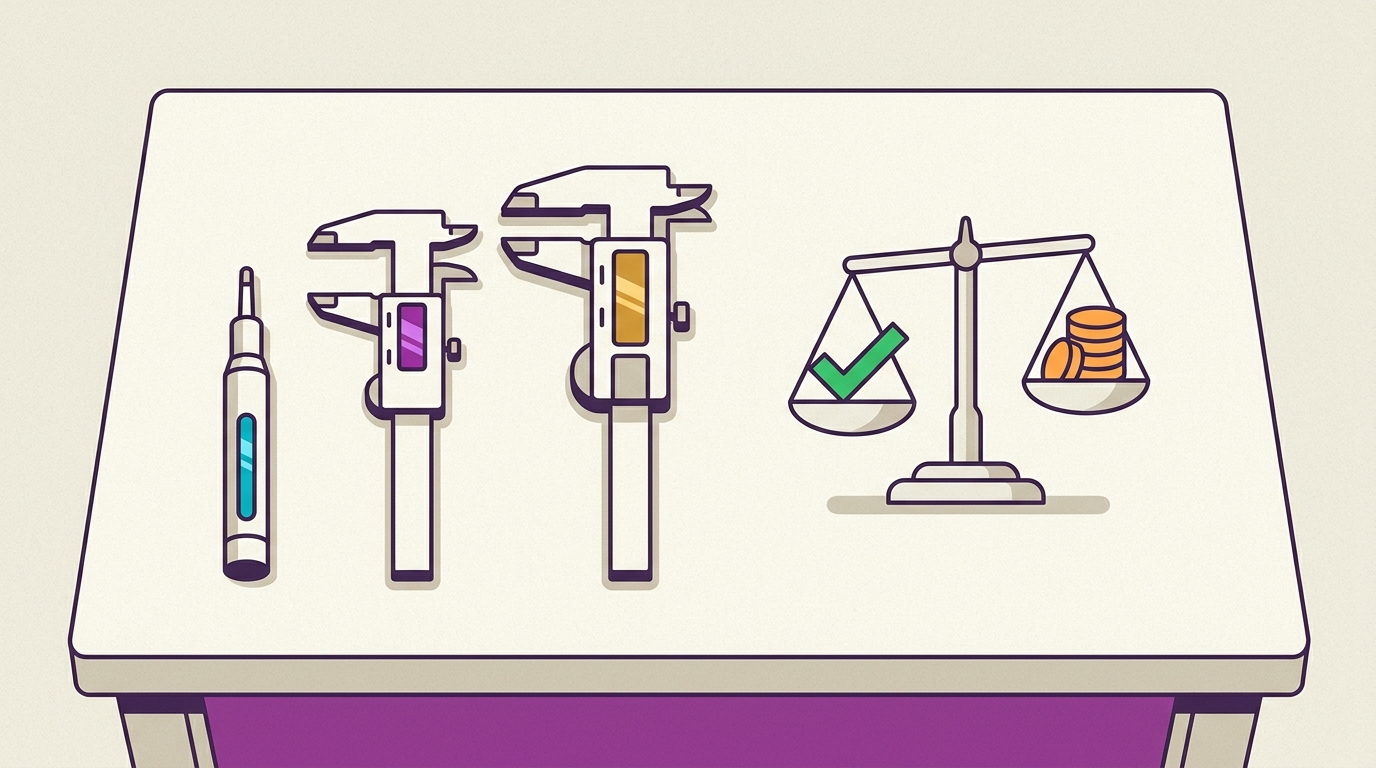
The expensive habit
When building an AI workflow, there is a tempting default: use the best available model for every step. It feels safe. If accuracy matters, why risk a weaker model?
The answer is that "best model everywhere" often produces worse results alongside a much larger bill. Powerful models can overthink simple classification tasks and return verbose, inconsistent outputs where a smaller model would return a clean label every time. Meanwhile, the cost adds up fast. A frontier model that charges 40x more than a mid-tier model does not produce 40x better results on a routing decision or a structured extraction. You are paying for capability you do not use.
The goal is not to minimize model quality. It is to match model capability to task complexity at every step in your workflow.
The model spectrum
Modern AI gives you a real range to work with. At a high level:
(< $1 / 1M tokens)"] --> B["Mid-tier
($1–10 / 1M tokens)"] --> C["Frontier
($10–75 / 1M tokens)"] A --- A1["Classification
Extraction
Routing
Formatting"] B --- B1["Summarization
Draft generation
Q&A with context"] C --- C1["Complex reasoning
Planning
Nuanced judgment
Code generation"]
The tiers differ not just in price but in how they fail. Small models fail by lacking knowledge or reasoning depth. Large models fail by overcomplicating, hallucinating details in long contexts, and costing more to run. Knowing how each tier fails tells you where to apply it.
Four task categories, four model tiers
Every step in an agent workflow falls into roughly one of four categories.
Category 1: Mechanical tasks
Examples: classify intent, extract structured fields from text, route a request to the right handler, reformat JSON, detect language.
These tasks have a single correct answer that is usually obvious from a short input. A small, fast model handles them with high accuracy and low latency. Using a frontier model here adds cost and often reduces consistency because large models tend to add hedges and explanations where you want a bare label.
Category 2: Generative tasks with a template
Examples: draft a reply from bullet points, fill a standard report, translate a document, summarize a meeting transcript.
The output structure is known in advance. The model needs good language generation but not deep reasoning. Mid-tier models are the right fit. They are fast enough for real-time paths and accurate enough for the structured space they operate in.
Category 3: Generative tasks with judgment
Examples: write a technical proposal, analyze a contract for risk, answer a nuanced customer question, synthesize conflicting sources.
The model needs to weigh competing considerations, handle ambiguity, and produce output where the quality is genuinely sensitive to reasoning depth. Frontier models earn their cost here. A cheaper model will produce fluent output that misses the judgment call.
Category 4: Planning and orchestration
Examples: break a complex task into steps, decide which agents to invoke and in what order, evaluate whether a plan is coherent.
This is where the most capable models belong. The orchestrator sees everything and makes the decisions that ripple through the rest of the workflow. A weak orchestrator undermines the whole system regardless of how well the workers perform.
The assignment decision tree
structured / categorical?"} Q1 -->|Yes| Q2{"Is the input short
(< 500 tokens)?"} Q2 -->|Yes| Small["Small model
(classification tier)"] Q2 -->|No| Mid1["Mid-tier model
(extraction on long context)"] Q1 -->|No| Q3{"Does the task require
multi-step reasoning?"} Q3 -->|No| Q4{"Is output quality
critical for the user?"} Q4 -->|No| Mid2["Mid-tier model
(draft generation)"] Q4 -->|Yes| Frontier1["Frontier model
(high-stakes generation)"] Q3 -->|Yes| Q5{"Is this an
orchestration step?"} Q5 -->|Yes| Frontier2["Frontier model
(planner / orchestrator)"] Q5 -->|No| Frontier3["Frontier model
(complex reasoning)"]
Run through this tree for each node in your workflow. Most workflows have far more nodes in the left branches than the right ones.
Two patterns that compound savings
Pattern 1: Tiered routing
Use a small model to understand what the incoming request needs, then hand it off to the right specialist.
(classifier)"] Router -->|"intent: billing"| B["Mid-tier
billing agent"] Router -->|"intent: technical"| T["Mid-tier
tech support agent"] Router -->|"intent: legal"| L["Frontier
legal advisor"]
The router step is fast and cheap. It reads the request, returns a category, and the system routes accordingly. Only the minority of requests that genuinely need a frontier model reach one. The rest are handled by cheaper agents that are often more accurate within their narrower domain.
Pattern 2: Escalation cascade
Start with a cheaper model. Only escalate if confidence is low.
This works well for tasks where most cases are simple. A support ticket classifier will confidently label the majority of incoming tickets with a small model. The edge cases escalate. You pay the frontier price only for the fraction that genuinely needs it.
What "accuracy" actually means at scale
Teams often resist model optimization because they measure accuracy on a benchmark, not in production. On a benchmark, the frontier model wins. In production, accuracy means the system gets the right answer reliably across thousands of runs.
Two things change that calculation:
Consistency. A small model that returns a clean JSON label every time is more accurate in practice than a frontier model that occasionally returns an explanation instead of a label, or wraps the answer in markdown that breaks the downstream parser. For mechanical tasks, the smaller model often has better operational accuracy.
Cost shapes what you can run. A workflow that costs $0.05 per run can run on every event. One that costs $2.00 per run gets triggered selectively. The decisions about what to automate and what to skip are themselves accuracy tradeoffs. A cheaper per-step cost often enables higher accuracy at the system level because you can afford to run more checks.
Practical benchmarks to run before you commit
Before locking in a model assignment for a workflow step, run a quick evaluation:
- Sample 50-100 real inputs from your intended use case.
- Run them through two or three model tiers and record the outputs.
- Evaluate on your actual success criteria, not a generic benchmark. For a classification step, that is label correctness. For a generation step, that is some combination of task completion, format adherence, and quality.
- Calculate the cost-accuracy frontier: cost per 1,000 runs at each tier, plotted against your accuracy measure. The decision is rarely the cheapest or the most accurate; it is the point on the curve where marginal cost no longer buys meaningful accuracy.
This takes a few hours and pays for itself the first week in production.
The numbers in practice
To make this concrete: imagine a document-processing workflow with four steps.
| Step | Task | Assigned tier | Cost per run |
|---|---|---|---|
| 1 | Classify document type | Small | $0.0002 |
| 2 | Extract key fields | Small | $0.0008 |
| 3 | Summarize for review | Mid-tier | $0.004 |
| 4 | Flag anomalies with judgment | Frontier | $0.04 |
Total: ~$0.045 per document.
If you had used a frontier model for all four steps, the cost is closer to $0.18 per document. At 100,000 documents a month, the difference is $4,500 versus $18,000. For the same or better accuracy, because steps 1 and 2 are actually more reliable at the lower tier.
What breaks this approach
Three things push back against model optimization in practice:
Unclear task boundaries. If a step mixes mechanical extraction with judgment, you cannot assign a single tier confidently. The fix is to split the step, not to upgrade the model.
Low evaluation coverage. If you have no labeled examples for a step, you cannot measure what you are trading off. Invest in a small eval set before optimizing.
Premature optimization. If your workflow runs a thousand times a year, the cost difference is noise. Optimize when volume makes the difference meaningful.
Where AIFlow fits
Model selection is an architectural decision that should live at the workflow level, not buried in application code. In AIFlow, each workflow node has its own model assignment. You can assign a fast small model to a routing node, a mid-tier model to generation nodes, and a frontier model to the orchestrator, all within the same workflow. Changes are a configuration update, not a code deployment.
Because every run is traced, you get the data you need to evaluate the tradeoff after the fact: per-node latency, per-node cost, and output quality through eval suites. When a step's cost profile changes because a provider updates pricing, you reassign the model without touching the workflow logic.
Token usage is tracked across all models, across all workflows, from a single dashboard. When you shift a step from a frontier model to a mid-tier one, the savings show up immediately and you can verify that quality held.
The bottom line
The most powerful model is not always the most accurate model for a given task, and it is never the cheapest. Match the model tier to the task complexity: small models for mechanical work, mid-tier for templated generation, frontier for genuine reasoning and orchestration. Use tiered routing and escalation cascades to pay frontier prices only where they are justified. Measure the tradeoff on your actual workload before committing.
Model assignment is one of the highest-leverage decisions in an AI workflow. It shapes cost, latency, and reliability across every run. Get it right once, and the savings compound every day the workflow runs.